
 ยอดคงเหลือข้อมูล
 บัตรกำนัล & รางวัล
 โปรไฟล์ & การตั้งค่า
 ตรวจสอบความเข้ากันได้ของอุปกรณ์
 ติดตั้ง eSIM บน iOS
 ติดตั้ง eSIM บน Android
 เครือข่ายที่ครอบคลุม
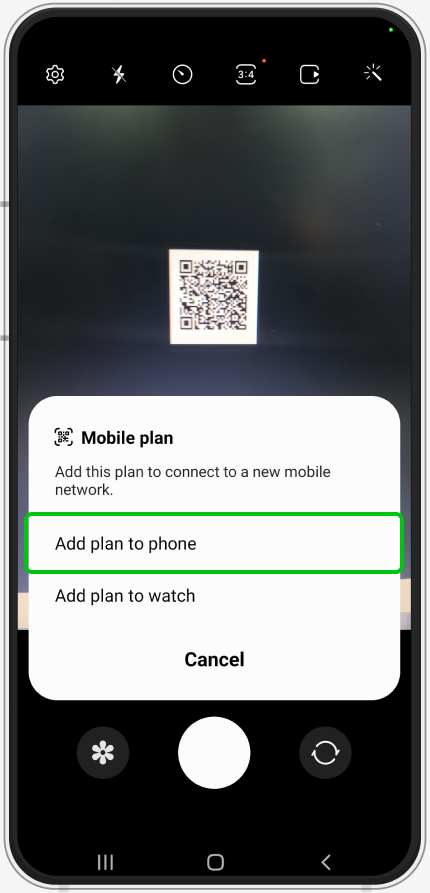
Scan QR Code
Manual Activation Code
IMPORTANT INFORMATION
Please complete all the steps. Check that you have a stable Internet connection or Wi-Fi before you install your eSIM to avoid a failed download process.
(Install your eSIM one time only)
Open Camera
Scan QR code -> Add Eskimo Plan
Select Postpaid
Some phone models may require APN selection or manual setup
Select eSIM as Preferred SIM Card
Select eSIM as Preferred Mobile Data
It may be different for other phone models
Enable Mobile Roaming
Settings -> Connections -> Mobile Networks